Thu · 11:00 AM
Clocked in
Rooftop unit
42 min
Drive time
18 min
Time Tracking
Clock-ins, drive time, and job status updates from the field.
Workview Pro updates your CRM so you can stay focused in the field.
Workview Pro can understand what you need and update your existing CRM automatically.
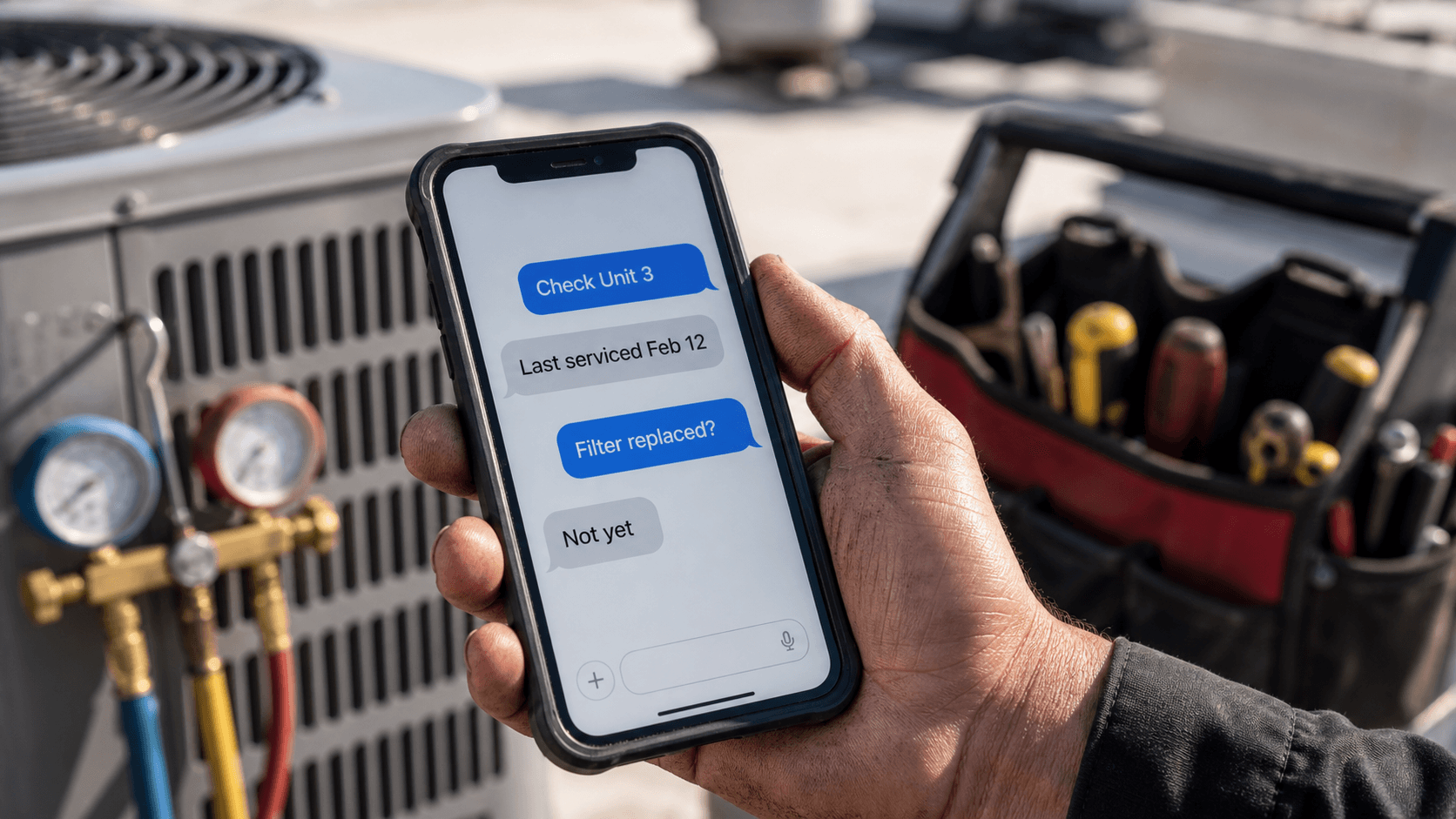
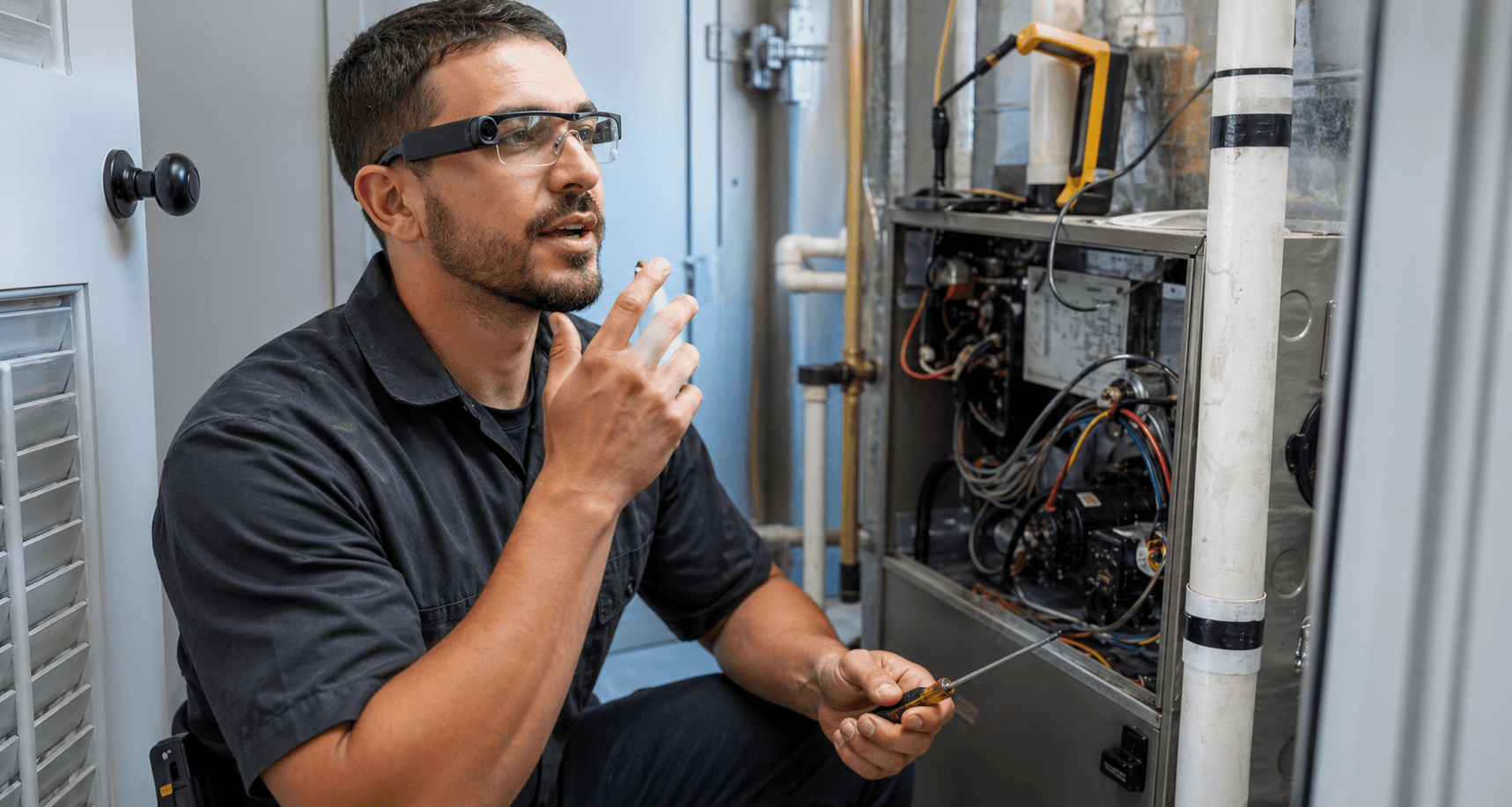
Keep both hands free while you work. Use regular Bluetooth headphones or upgrade to AI glasses.
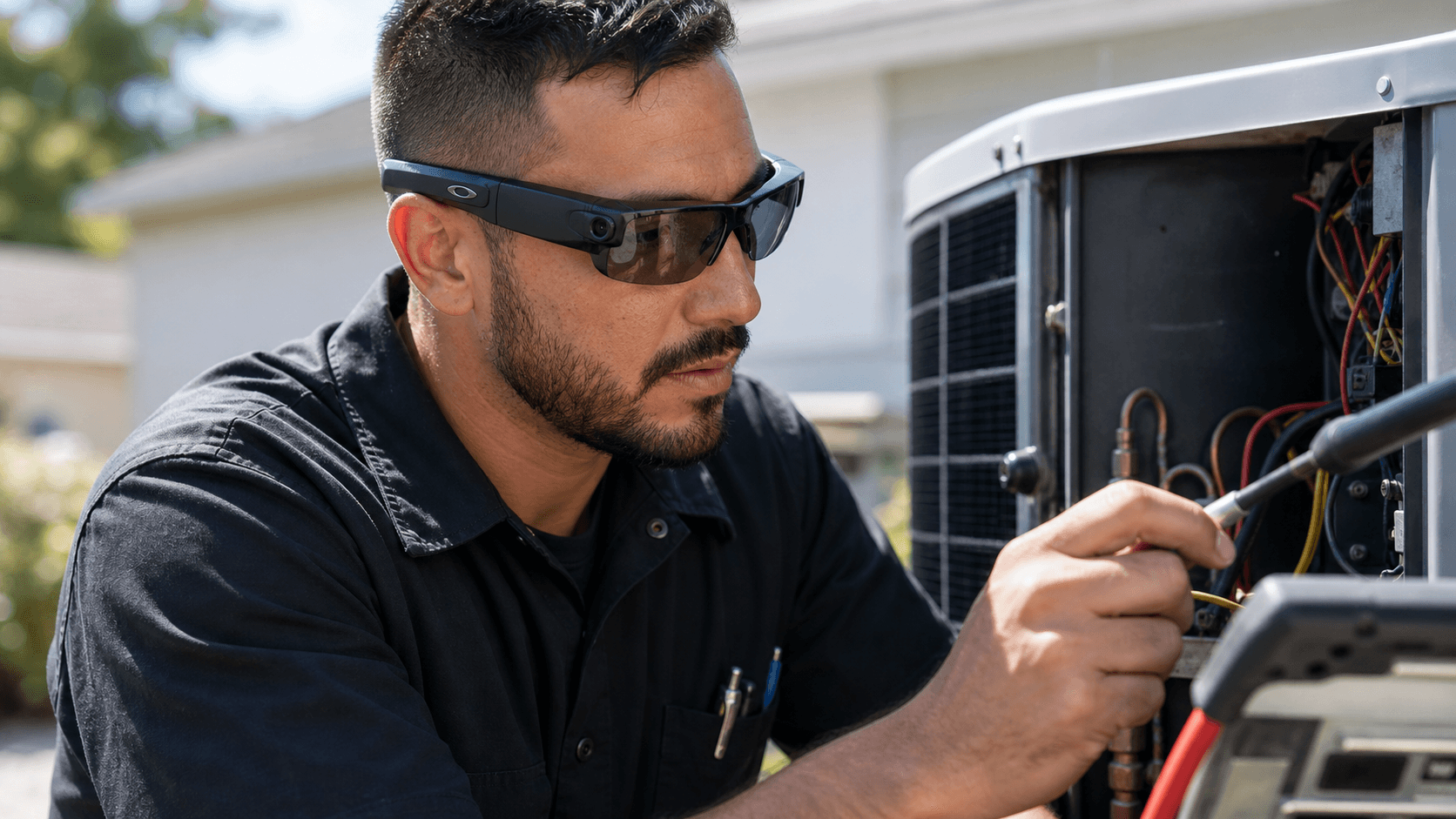
No training videos, no onboarding, no complicated app. You don't have to change the way you work.
Clocked in
Rooftop unit
42 min
Drive time
18 min
Clock-ins, drive time, and job status updates from the field.
A complete invoice is waiting for you when the job is done.
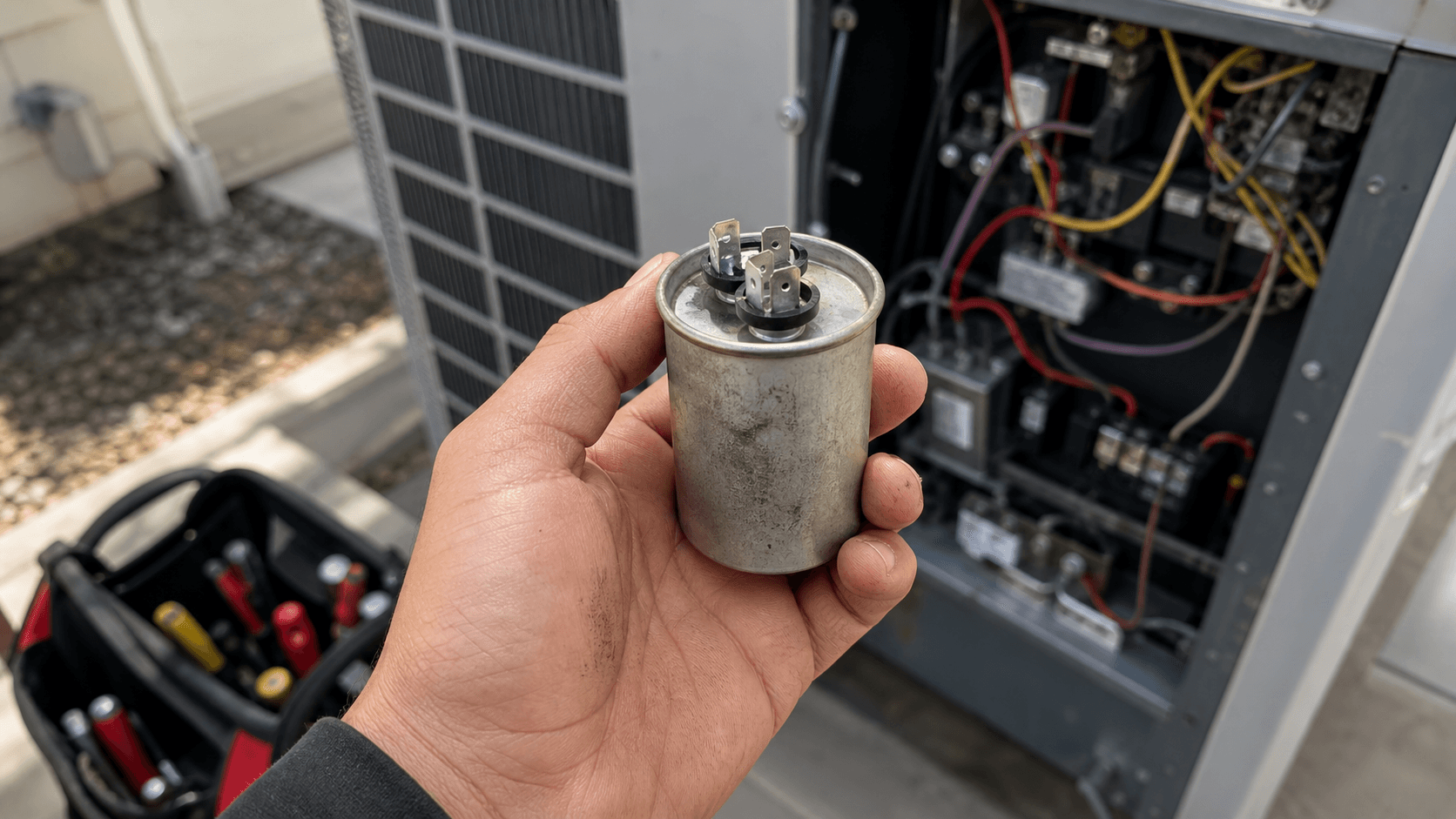
Workview Pro tagged
3 job photos
Required photos are captured, labeled, and attached to the right job automatically.
Filter
Capacitor
Fuse
Track inventory effortlessly as you pull parts off the truck.
ETA sent
Customer notified
Invoice ready
Office reviewed
Follow-up set
Tomorrow 9 AM
Workview Pro will keep dispatch in the loop as you work.

Coming soon

Coming soon
Coming soon

Coming soon
Learn everything you need to know in less than five minutes.
Your SOPs. Diagnostic procedures, install checklists, membership pitches, customer-handling guidelines — your standards become Workview Pro's. Tell it once, in plain English. It runs the playbook on every job.
Workview Pro pings dispatch when the tech starts wrapping up, so the next job can be scheduled before the tech reaches the truck. Office workflows do not change.
Workview Pro works in the moment: driving to the job, pulling equipment off the truck, up on a ladder, or down in a crawl space. Paperwork is done and waiting when you're ready.
Time
No more wasted time filing out forms in the truck. And dispatch knows what's happening faster too.
Sales
Take photos of serial numbers to get equipment replacement suggestions.
Accuracy
Real-time capture reduces errors and lost revenue from inaccurate invoices.
Retention
Reducing paperwork makes your technicians happy and more productive.
Works with call and text.
Hands-free field capture with AI glasses.
* AI glasses not included.
No annual contracts. No mandatory rollout across your whole team. Cancel anytime.
Workview Pro listens during the job, prompts for missing steps, captures required data, drafts notes and invoices, and sends the right updates back to the office.
No. Workview Pro can run through glasses, phones, Bluetooth, or tablets. The point is to fit the device to the job instead of forcing a hardware rollout.
No. Workview Pro is the field layer that captures clean job context earlier. Your official customer, job, payment, and dispatch records stay in the systems your office already uses.
You give Workview Pro plain-English instructions: your SOPs, required fields, pricing standards, estimate rules, and membership prompts.
Workview Pro nudges the tech during the conversation while the job is still active, instead of leaving the office to chase missing details after the truck leaves.
Pay monthly. Cancel anytime.
Workview Pro is priced per technician seat. Workview Pro starts at $79 per tech per month, and Workview Pro + AI glasses is $99 per tech per month.
No. Workview Pro is priced so that you can just try it out for real. But if you want to experiment, you can always start by picking a few techs to start before you roll it out to your whole team.